Category: NON SQL

Using Windows Power Shell to get the Server Disk Space Information

To find Drive Names, Total Space, Free Space and Free Space Percentage for the list of Servers specified in computers.txt file using Power Shell Script.

Prerequisites:-

  1. Save the computers.txt file and below PS script in the same folder
  2. User should have access to the servers mentioned in computers.txt file
  3. There should not be any empty space or new line without Servername in computers.txt file

PS Script:-

$path=Split-Path $MyInvocation.MyCommand.path 
$Computers = get-content "$path\computers.txt" 
foreach ($Computer in $Computers)  
{  
$Disks = Get-wmiobject  Win32_LogicalDisk -computername $Computer -ErrorAction SilentlyContinue -filter "DriveType= 3" 
$Servername = (Get-wmiobject  CIM_ComputerSystem -ComputerName $computer).Name
foreach ($objdisk in $Disks)  
{  
        
    $total=“{0:N3}” -f ($objDisk.Size/1GB)  
    $free= “{0:N3}” -f ($objDisk.FreeSpace/1GB)  
    $freePercent="{0:P2}" -f ([double]$objDisk.FreeSpace/[double]$objDisk.Size)  
       
       Write-Host "Servername      :" $Servername  
       Write-Host "Drive Folder    :" $objDisk.DeviceID "Drive" 
       Write-Host "Total size (GB) :" $total 
       Write-Host "Free Space (GB) :" $free 
       Write-Host “Free Space (%)  :” $freePercent 
} 
} 

Output:-

To save the Output to Diskspace_Report.csv file, Use below PS script:-

$path=Split-Path $MyInvocation.MyCommand.path 
$Computers = get-content "$path\computers.txt" 
foreach ($Computer in $Computers)  
{  
$Disks = Get-wmiobject  Win32_LogicalDisk -computername $Computer -ErrorAction SilentlyContinue -filter "DriveType= 3" 
$Servername = (Get-wmiobject  CIM_ComputerSystem -ComputerName $computer).Name
foreach ($objdisk in $Disks)  
{  
        
    $total=“{0:N3}” -f ($objDisk.Size/1GB)  
    $free= “{0:N3}” -f ($objDisk.FreeSpace/1GB)  
    $freePercent="{0:P2}" -f ([double]$objDisk.FreeSpace/[double]$objDisk.Size)  

        $out=New-Object PSObject 
        $out | Add-Member -MemberType NoteProperty -Name "Servername" -Value $Servername 
        $out | Add-Member -MemberType NoteProperty -Name "Drive" -Value $objDisk.DeviceID  
        $out | Add-Member -MemberType NoteProperty -Name "Total size (GB)" -Value $total 
        $out | Add-Member -MemberType NoteProperty -Name “Free Space (GB)” -Value $free 
        $out | Add-Member -MemberType NoteProperty -Name “Free Space (%)” -Value $freePercent 
        $out | Add-Member -MemberType NoteProperty -Name "Name " -Value $objdisk.volumename 
        $out | Add-Member -MemberType NoteProperty -Name "DriveType" -Value $objdisk.DriveType 
        $out | export-csv $path\Diskspace_Report.csv -NoTypeInformation -Append   
} 
}

Toulouse Chapter

This post has nothing to do with SQL Server, but sharing my experiences at Toulouse in France.

I stayed near by Blagnac airport, Fasthotel, a decent hotel with all amenities and a clam place to live. And another reason, the hotel is just behind my office!!!

It was an official visit to Toulouse for 2 weeks from 12th May 2019 to 25th May 2019. As this was my first visit, I was really excited. At this point, I need to mention about one of my colleague – Pascal Benguigui . He was right there at Toulouse airport waiting for my arrival, have to say a big thanks to him!

Few things I really felt energized at Toulouse:

1. The French start their day with a warm greet – “bonjour” with a hand shake!

2. People are “Working to Live” unlike “Living to Work” 🙂 – Really appreciate the commitment towards the work during office time and family during the rest!

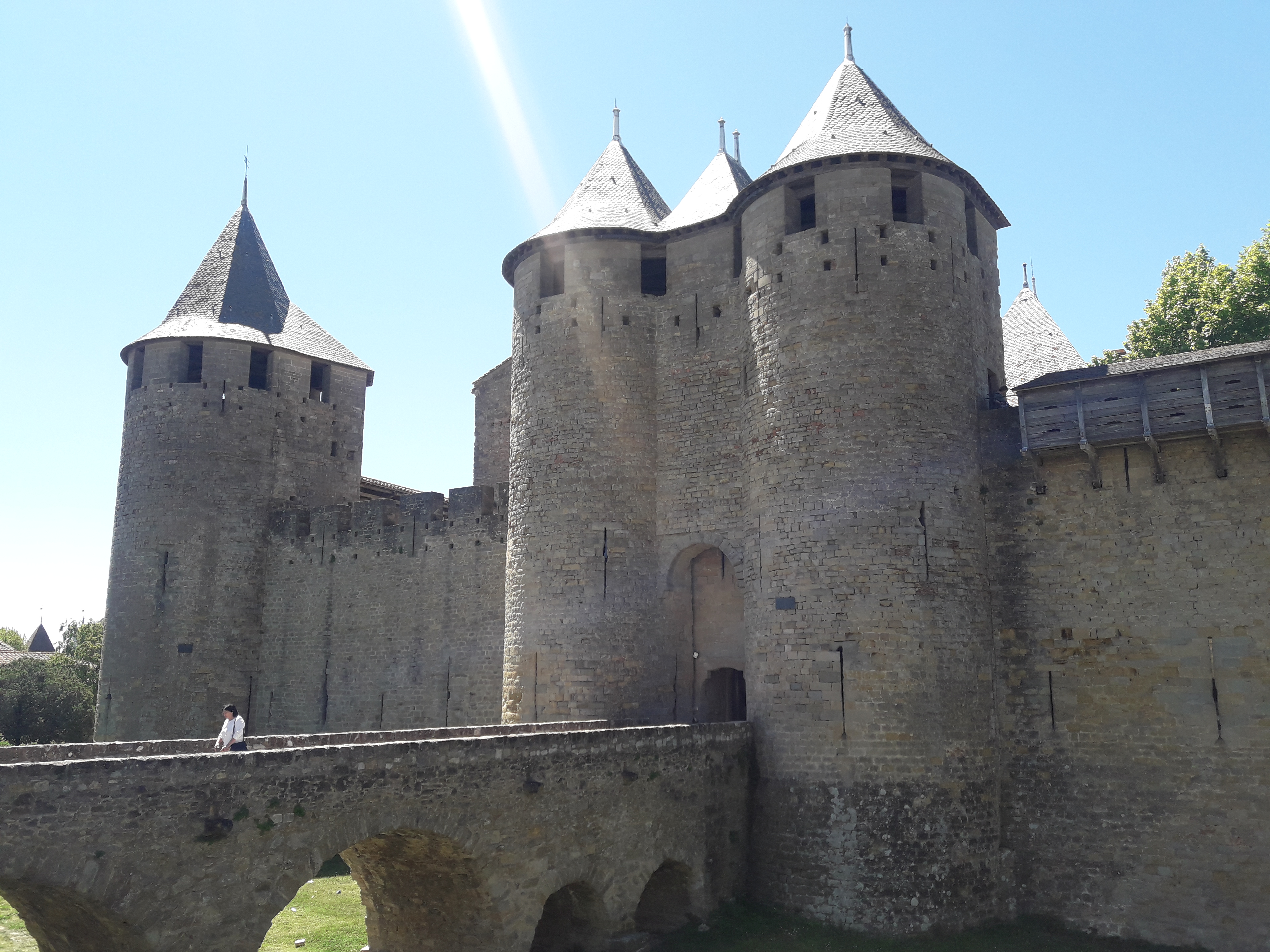
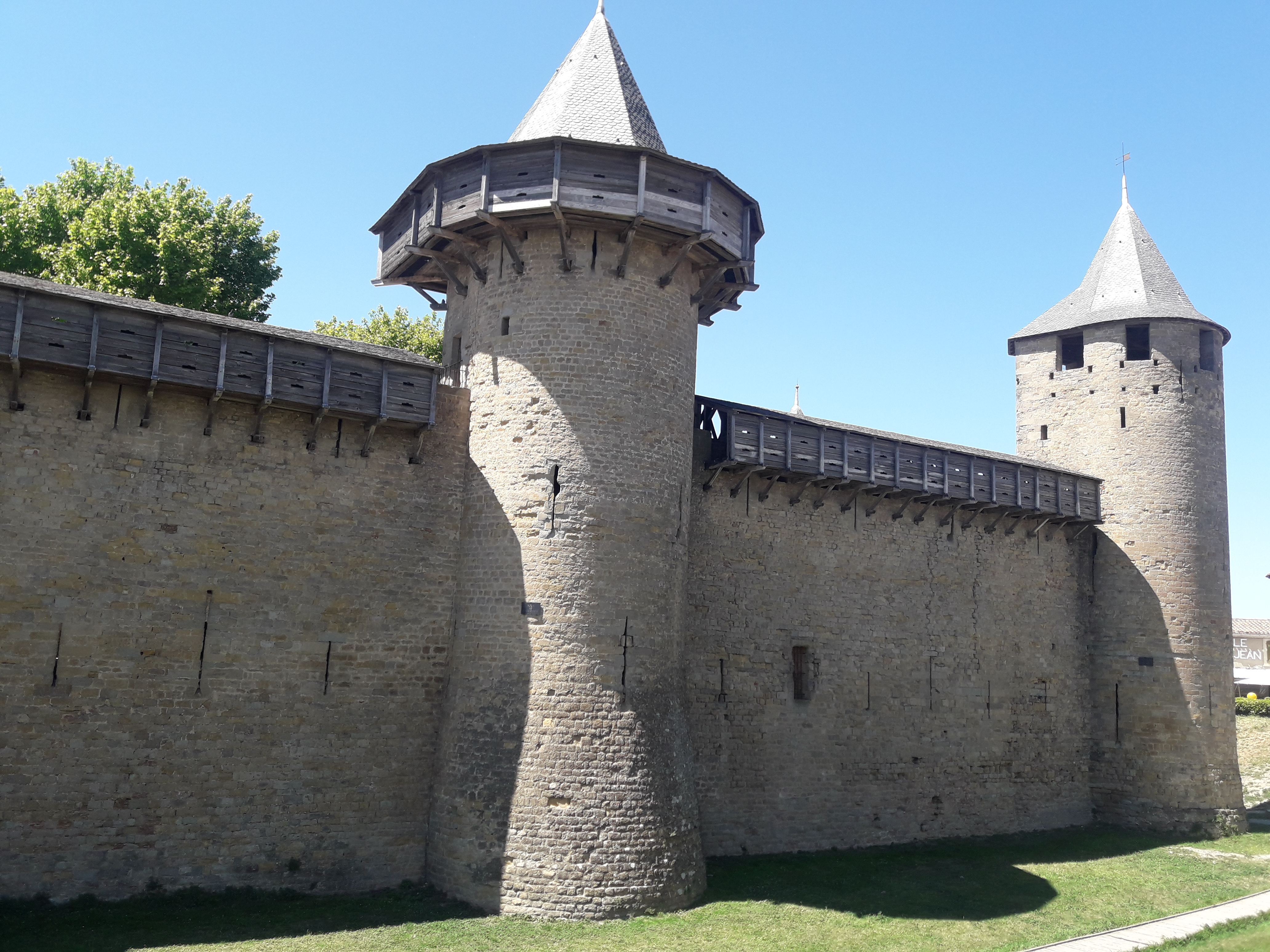
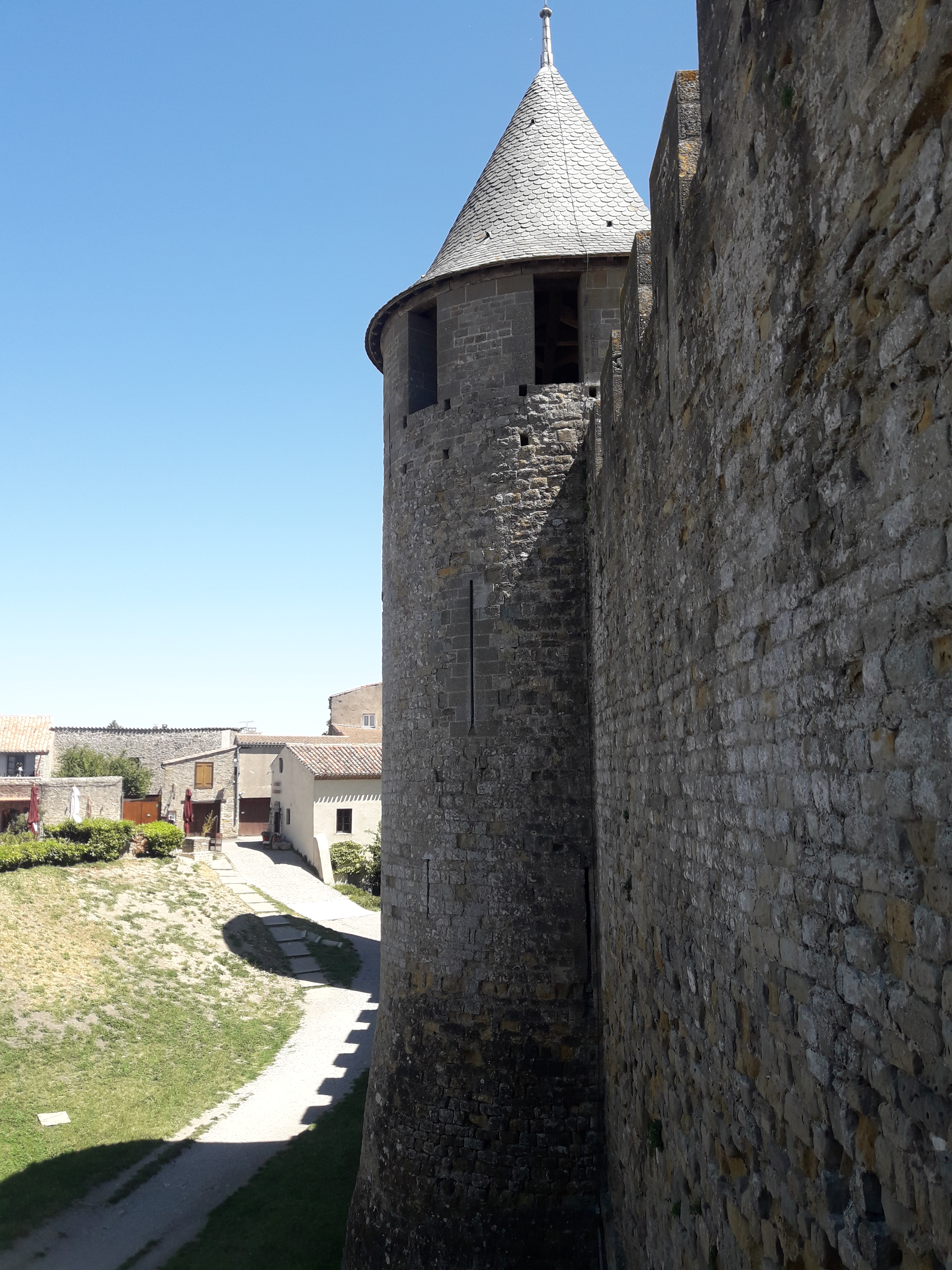
Another person – Alexis Molteni, I have to mention about him as a most kind and down earth, a perfect gentle man! We three had really really good time. We have been there out almost every day visiting many places like Spanish Tapas “Las Tapas Locas“, Lebanian restaurants, “Capitole de Toulouse” , “Castle Carcassonne” and long walks at nights in the street of Toulouse and many… They really made me feel like I am part of them.

I am really missing these two guys while writing this blog, keeping a good faith that we will meet on another day soon. until then Thank you Pascal and Alexis…

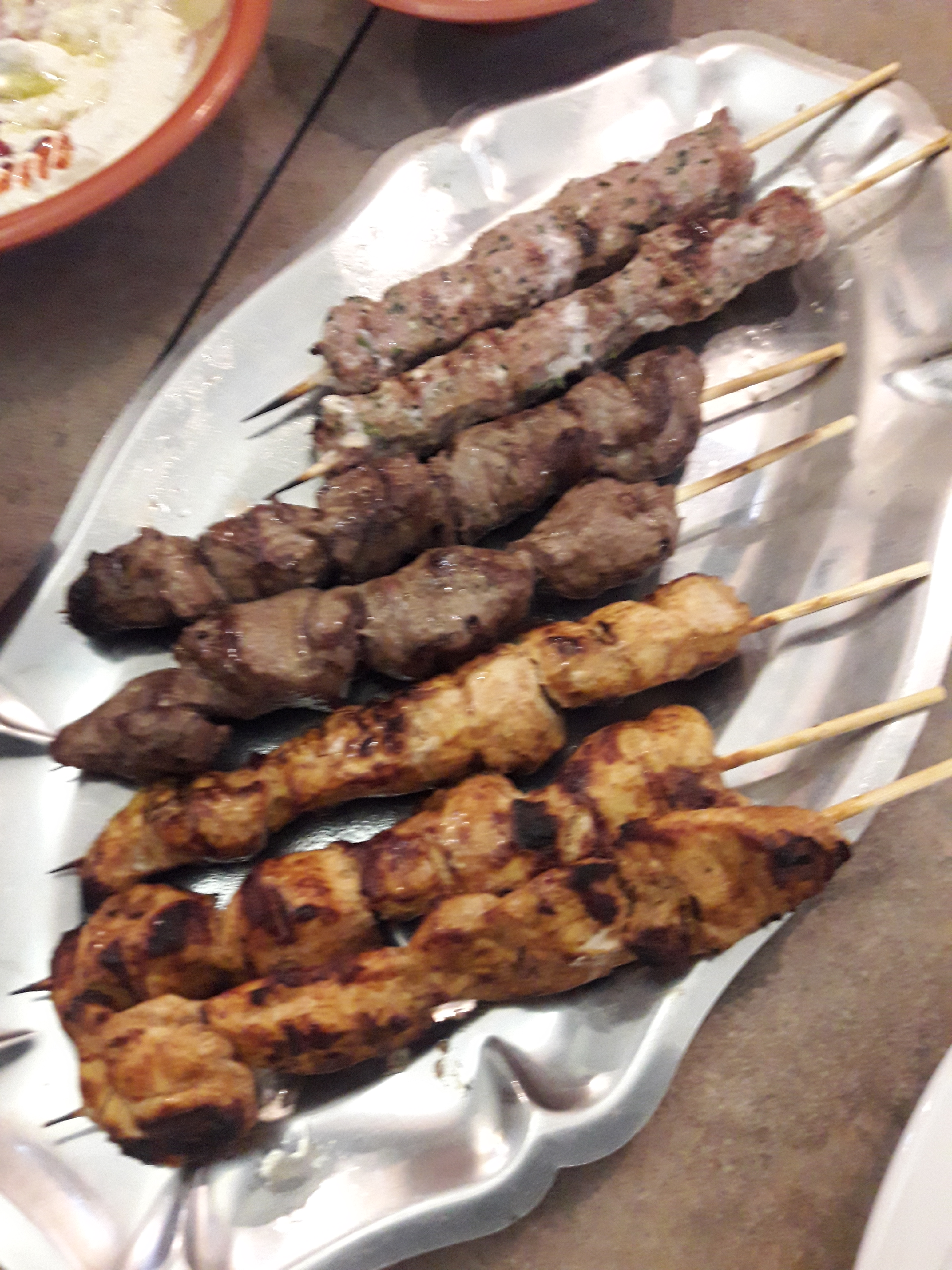
We have a lunch team of 7 people including me and all were trying to find a better food for me by trying different dishes and even different restaurants everyday. Thanks to everyone accommodating me as part of your lunch family!!!

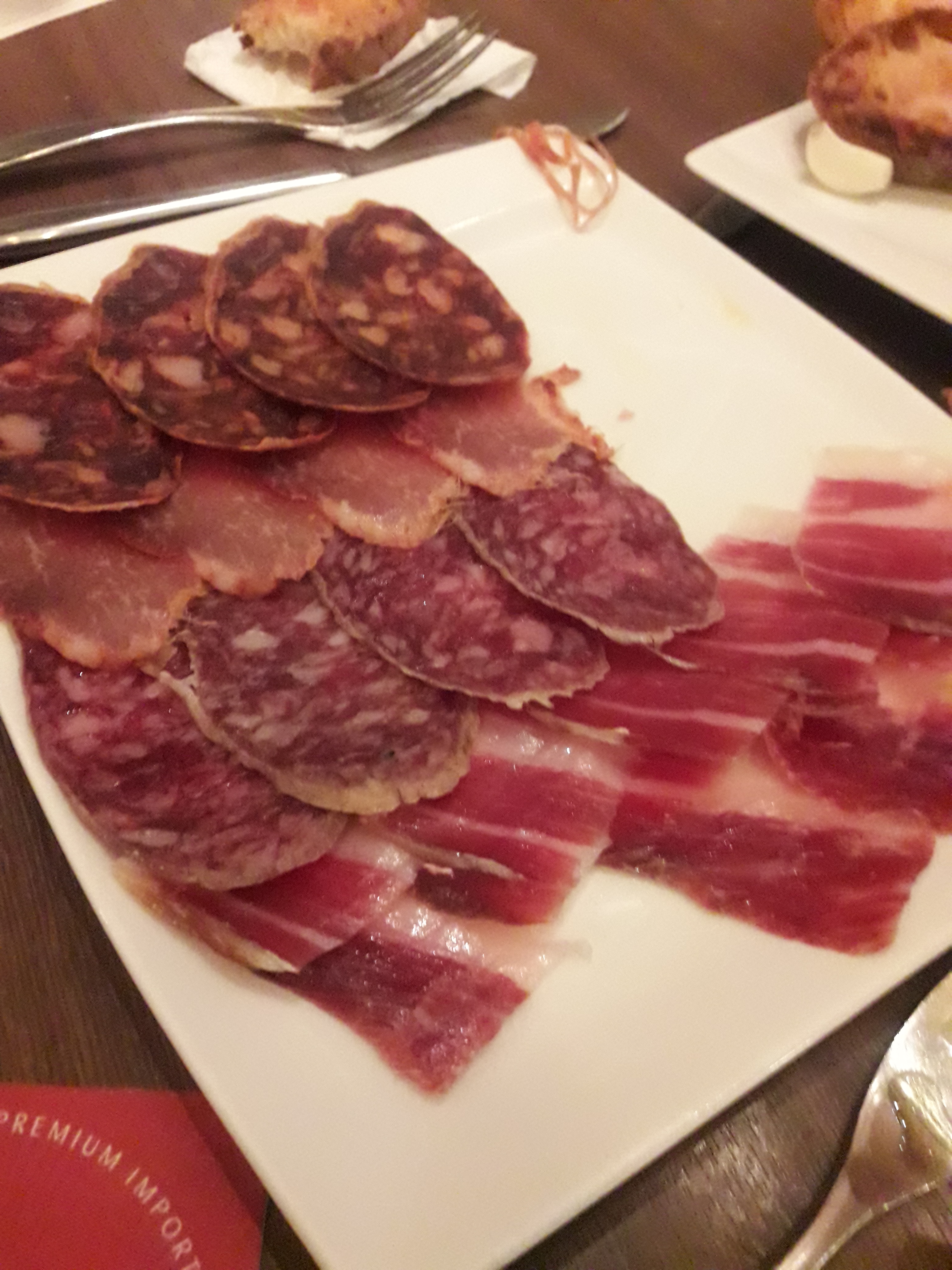
Here are few food items I tried…


How to identify NetBIOS Name of a computer?

Its not a SQL Server related, but I found it difficult to identify a way to get the NetBIOS name of a computer, hence sharing the same.

Recently, while troubleshooting an issue with MSDTC, I had to use DTCPing tool. I do not cover the DTCPing tool here, but will share more about it in another post. DTCPing tool was expecting NetBIOS name instead of IP address.

So, here are few options to identify the NetBIOS Name of a computer.


Using T-SQL

Select serverproperty('ComputerNamePhysicalNetBIOS')
(Or)
exec master..xp_regread 'HKEY_LOCAL_Machine', 'SYSTEM\CurrentControlSet\Control\ComputerName\ComputerName\','ComputerName'

Using Windows

nbtstat -n  (-n   -- Lists local NetBIOS names.)

Thats it for now, but if you think there is any other method, post it in the comment section.

SQL Formatters – Beautify your code and coding experience

Today, I am going to introduce some of tools available for SQL Server formatting.

The list is not in order of any preferences, but just the way it is. Explore and use as your choice.

1. Format SQL – https://format-sql.com/
2. Instant SQL Formatter – http://www.dpriver.com/pp/sqlformat.htm
3. SQL Prompt from redgate – http://www.red-gate.com/products/sql-development/sql-prompt/
4. SQLinForm – http://www.sqlinform.com/
5. SQL Formatter – http://www.sql-format.com/
6. SQL beautifier – https://sourceforge.net/projects/fsqlf/

You may comment if you are using any other tools of your choice.